
NEWS FLASH! That Thank You page for your web form DOES NOT have to lead to a Thank You! Make good use of this simple trick to add more segmenting options after getting the initial opt-in, break up a lengthy form into bite-size portions, add an upsell or next-steps actions. The possibilities are endless when you know how.
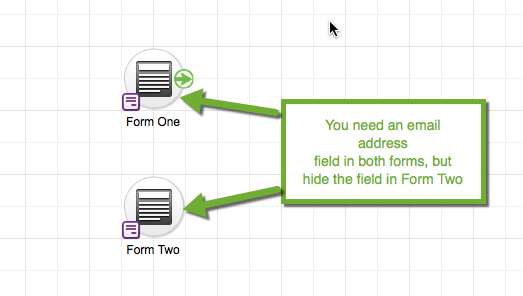
Create 2 web forms in your campaign
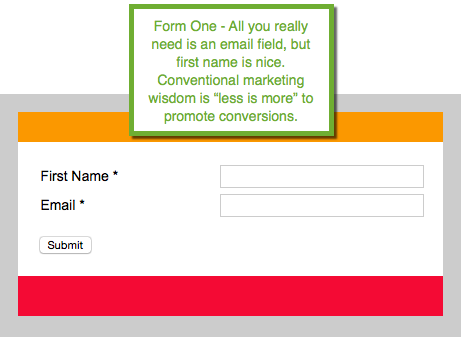
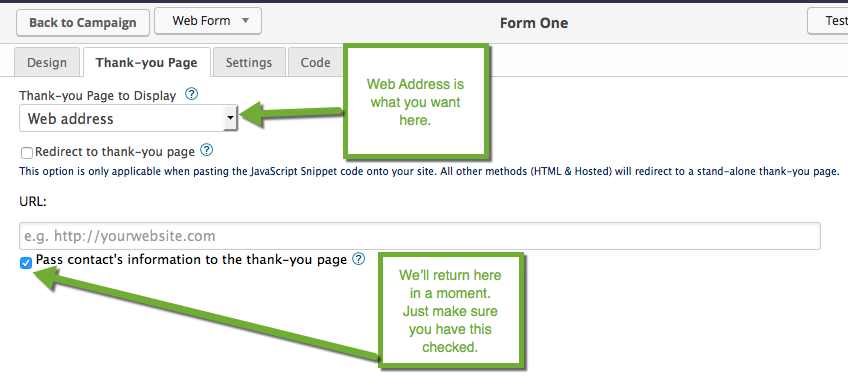
Set the Thank-you Page to Display to Web address and make sure Pass contact’s information to the thank-you page is checked.
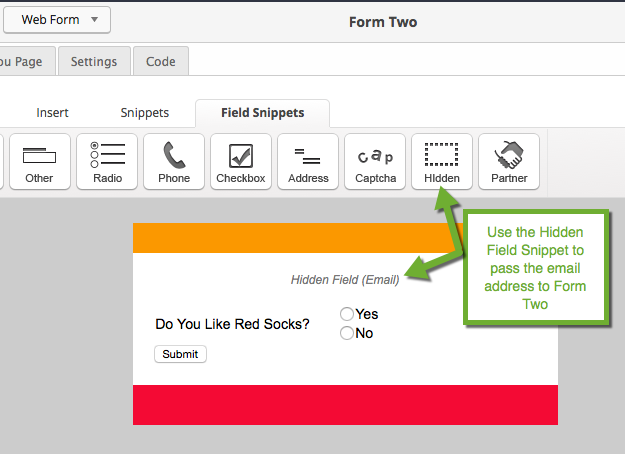
On Form Two we’re passing the email info from Form One, but we’re hiding it from the contact. You set up your additional info gathering fields on this form.
Copy Form Two’s Url to your clipboard and return back to Form One.
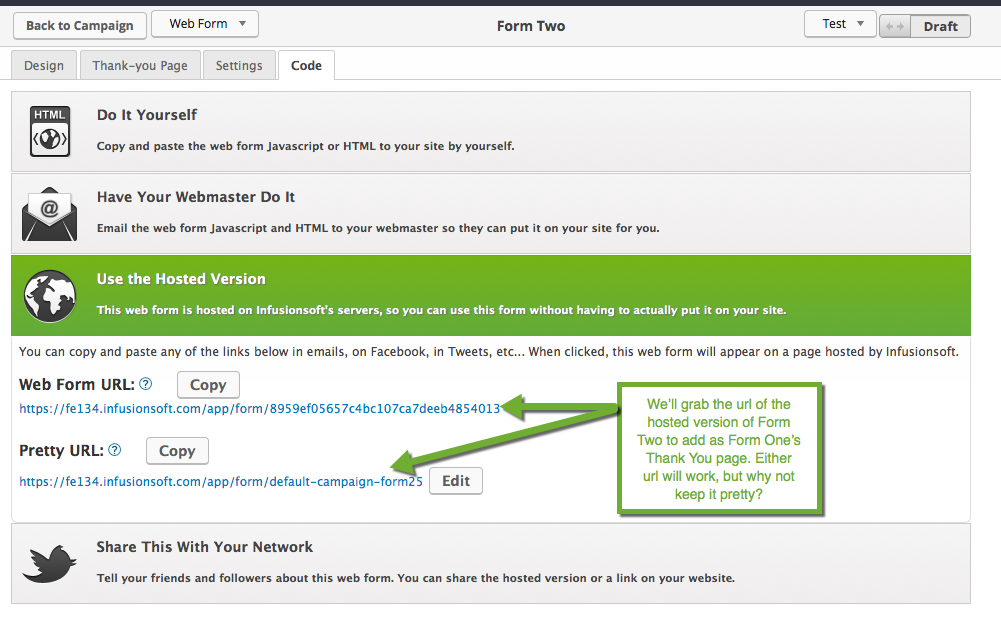
Return to Form One
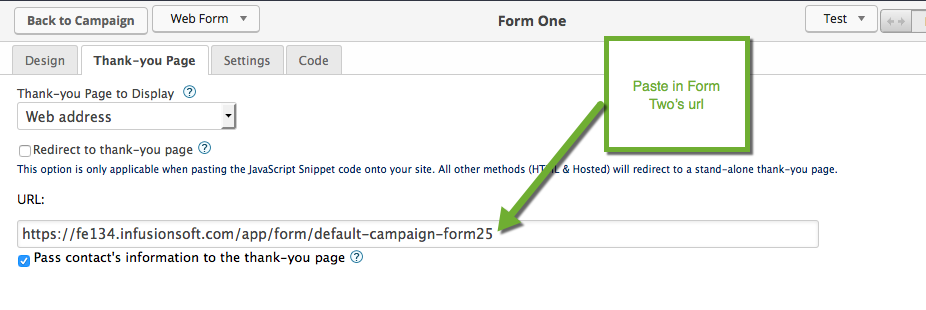
Make sure everything is set to Ready. Publish your Campaign, and you’re all set to gather all the segmenting info you need or even do a quick upsell.
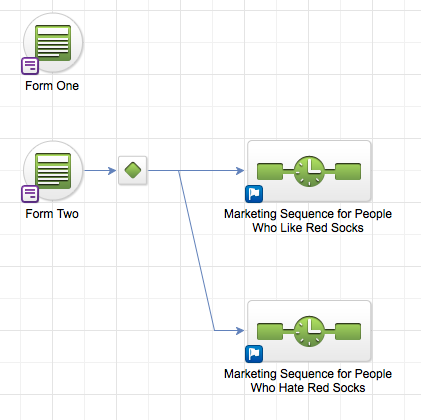
Here’s an example of how you might segment your prospects with decision diamonds after gathering that extra info. Market On!
Leave a Reply